Allowed IPs
The "Allowed IPs" tab allows you to specify which IP addresses are allowed to bypass the Sucuri Firewall rules. This is useful if you want to allow certain IP addresses, such as your own, to access your site without being blocked by the firewall.
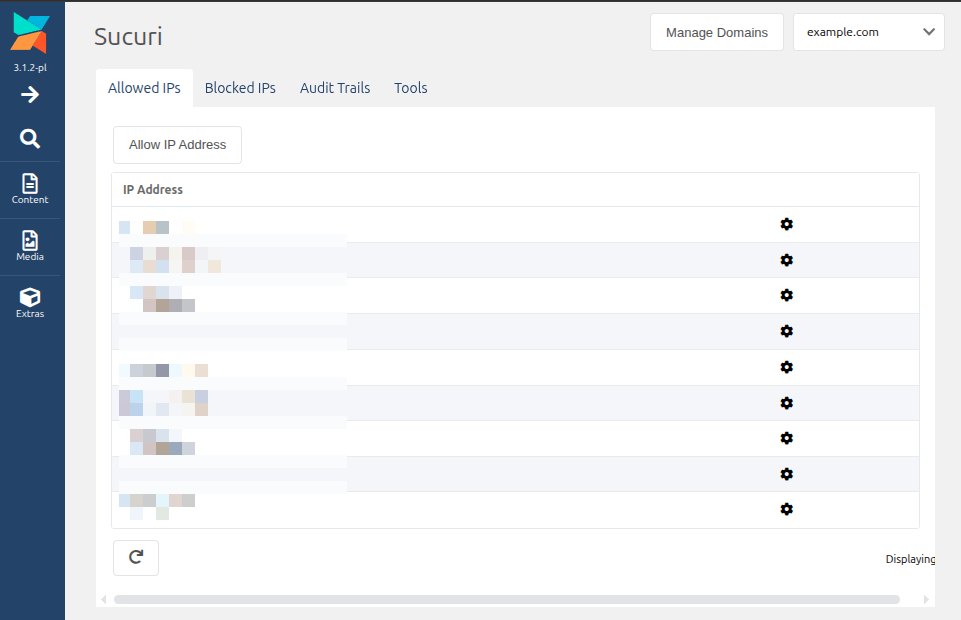
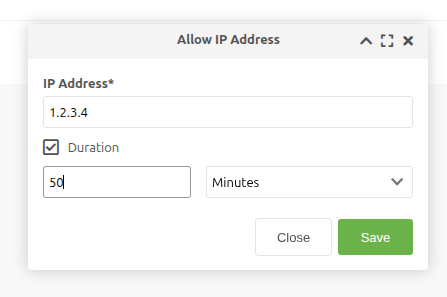
To add an allowed IP address, click the "Allow IP Address" button. This will prompt you to enter the IP address you want to allow. You can also add a "Duration" for how long the IP address should be allowed. If no duration is specified, the IP address will be allowed indefinitely.